Jim Rossman: Spam activity is picking up
Published in Science & Technology News

A lot of my columns start with an email from a reader asking about something that’s happening to them, but today I’m reaching into my personal email.
I’ve been noticing an uptick in spam messages getting through to my inbox, which is unusual, because Google usually does a good job in filtering out the garbage before it gets to me.
The emails look like any other normal message coming from a person and they have a subject that sounds generic.
Today I received an email from a Michael Weber with a Hotmail.com address with a subject of “FW: First pick at UO Haul ends soon!”
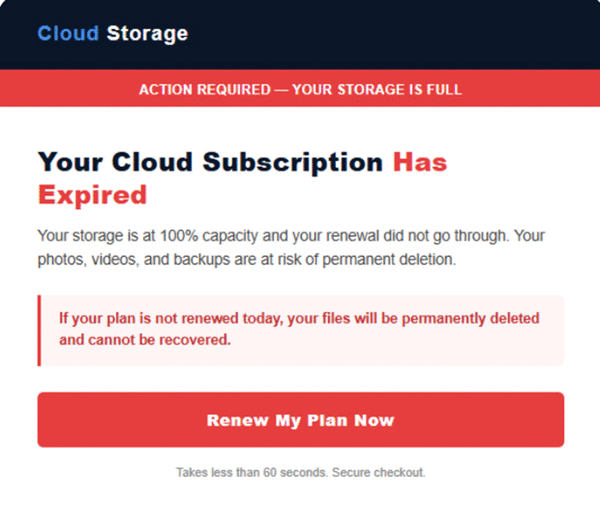
When I previewed the message, it was a full screen graphic warning me, “Your Cloud Subscription Has Expired.”
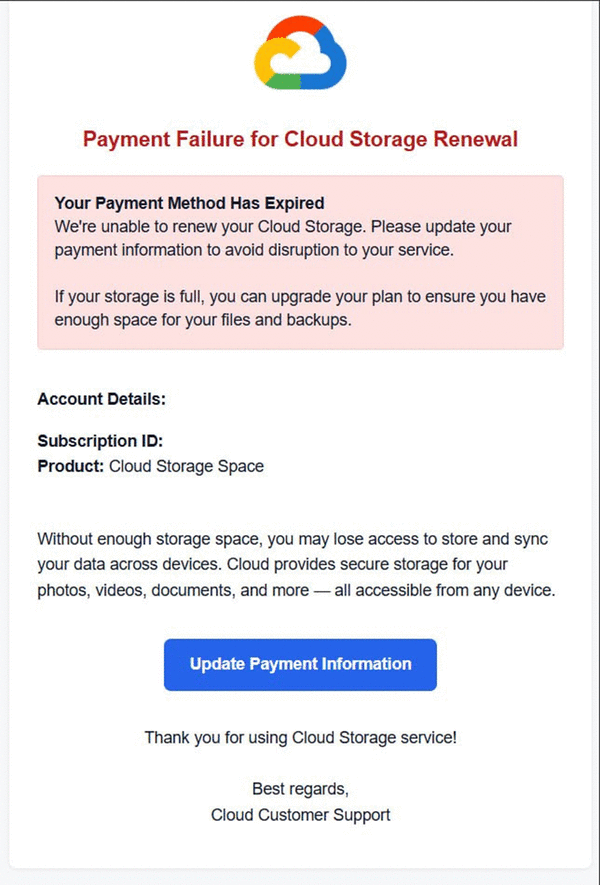
Now, I have a few cloud subscriptions. I pay for storage from Apple’s iCloud, as well as Google and I have Microsoft OneDrive provided by my work. I suppose I could expect emails from any of them if there were a problem with my account.
This one says, “Your storage is at 100% capacity, and your renewal did not go through. Your photos, videos and backups are at risk of permanent deletion.”
The big red flag about the emails I’ve been receiving is they don’t say what service has expired – only calling it “my Cloud Subscription.”
When I hover over the “Renew My Plan Now” button on the email, the status bar under the mail message shows me there is a link to follow, but my browser pops up a warning that the site is not secure, and it may be a scam.
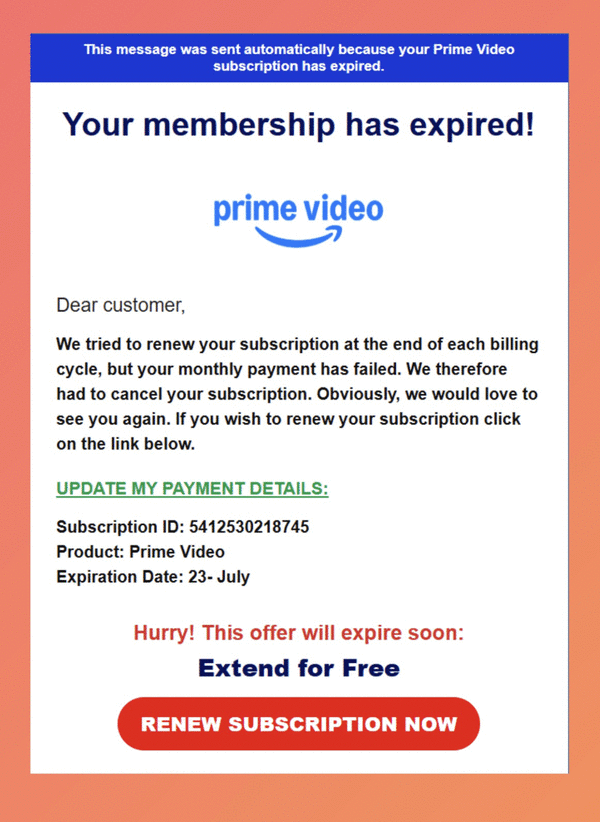
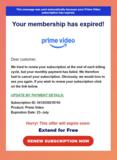
I have also received more than a few emails telling me my Amazon Prime Video membership has expired. They conveniently include a link to update my payment details.
These emails are making it through the spam filters because they don’t have any text – they are graphics, but the underlying link is certainly bogus.
You can report the messages as spam, and you should, but more importantly, be on your toes and stay safe.
If you are wondering about the status of any of your online accounts, especially if you get an email like these, please follow your usual way of logging in and check your account. Never click on a link in an email asking for your login credentials or payment information.
©2026 Tribune Content Agency, LLC.






Comments